
Vertical creative
Prepare focused image or video creative designed for full-screen mobile viewing.
Plan vertical creative, audience, budget and conversation follow-up for ads shown in WhatsApp Status where the placement is available and the advertiser is eligible.
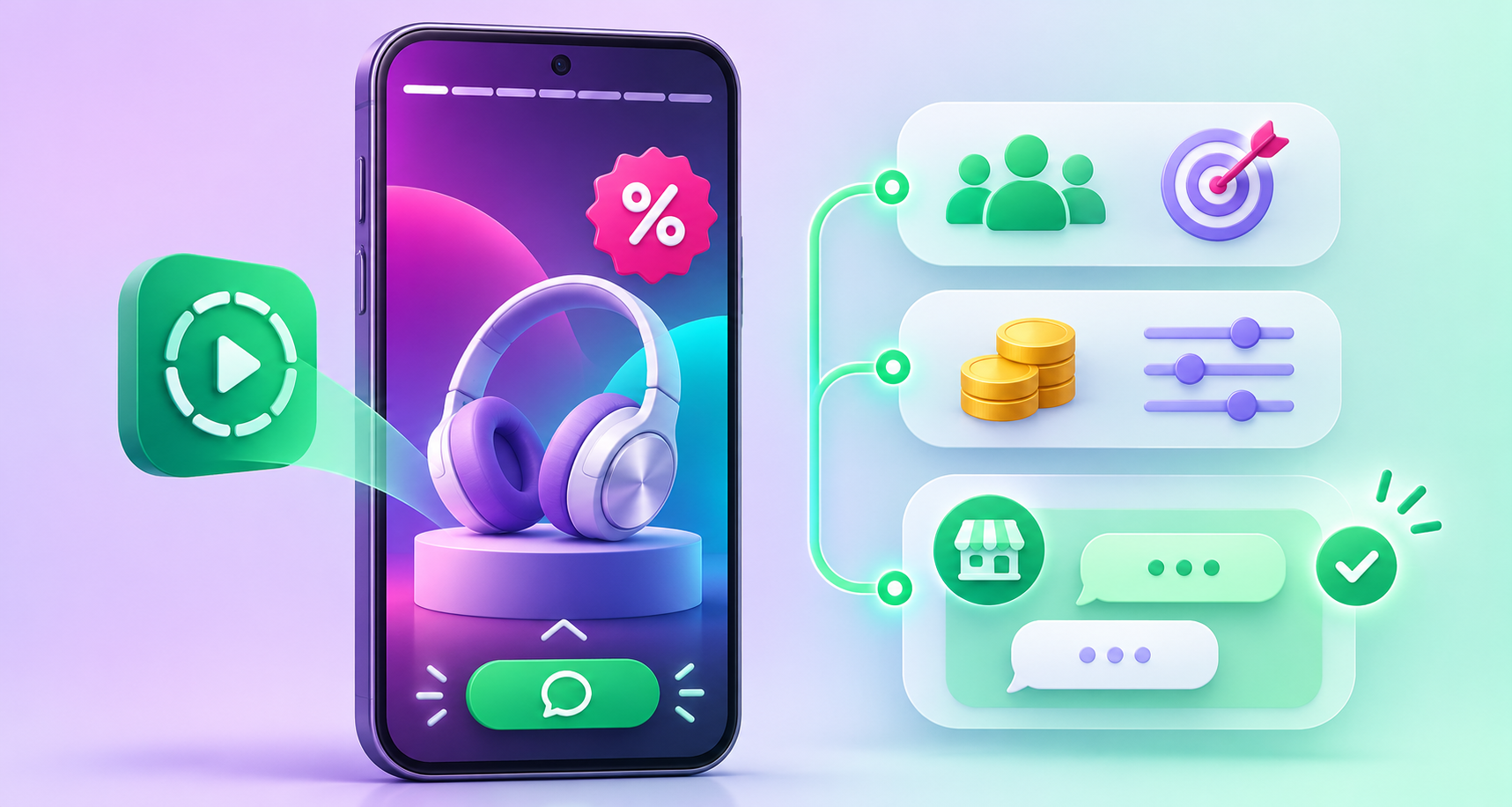
WhatsApp Status Ads appear in the Updates tab, separate from personal chats. Availability is rolling out gradually and can vary by account and region, so eligibility must be confirmed before launch.
Prepare focused image or video creative designed for full-screen mobile viewing.
Define the intended market, language, location, customer stage and business objective.
Plan campaign duration, media budget, optimization objective and spending controls.
Give interested viewers a clear path to start a business conversation about the promoted offer.
Check creative, landing conversation, business profile and policy readiness before launch.
Review available delivery, reach, spend and conversation outcomes in the selected ad setup.
Platform facts are based on the official WhatsApp Status Ads guidance and Meta announcement. Features and regional availability can change.
Paid discovery placements in the Status experience where available. Use them to introduce an offer and encourage an interested person to start a conversation.
Plan an ad campaign →Managed media-rich outreach to an eligible contact audience. Use it for approved campaign communication and customer follow-up.
Explore Bulk WhatsApp →Business messaging infrastructure for approved templates, automation, webhooks, shared inboxes and system integrations.
Explore the Official API →Choose one product, programme, appointment, event or service with a clear reason to respond.
Design vertical image or video content with a clear brand, concise benefit and readable mobile layout.
Confirm the eligible location, language, customer profile, campaign objective and budget.
Set up the greeting, team ownership, response time, qualification questions and escalation path.
Review platform delivery, spend and available conversation signals without treating an ad impression as a lead.
Compare creative, audience and conversation outcomes and change one major variable at a time.
Promote admissions, webinars, open days or counselling sessions with a direct enquiry path.
Show a product, collection or seasonal promotion and let interested shoppers ask questions.
Promote an eligible appointment, screening or health programme using accurate, policy-compliant creative.
Introduce a property or site-visit opportunity and direct interested prospects into a structured conversation.
Promote registrations, demonstrations, launches and time-sensitive attendance opportunities.
Use the placement as the first step, then qualify genuine interest through an approved follow-up workflow.
We will review the objective, eligible setup, creative requirement, audience, budget and conversation workflow.